


















QR payment for cafes and restaurants

Do more for your establishment with the innovative PrivatBank solution.

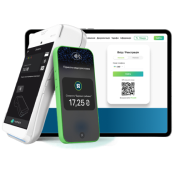
QR payment is a modern and convenient way to make the payment process the most simple for your guests.

QR Code Advantages

Bill distribution
Payment for bar, kitchen, and tips are automatically distributed between appropriate bills.
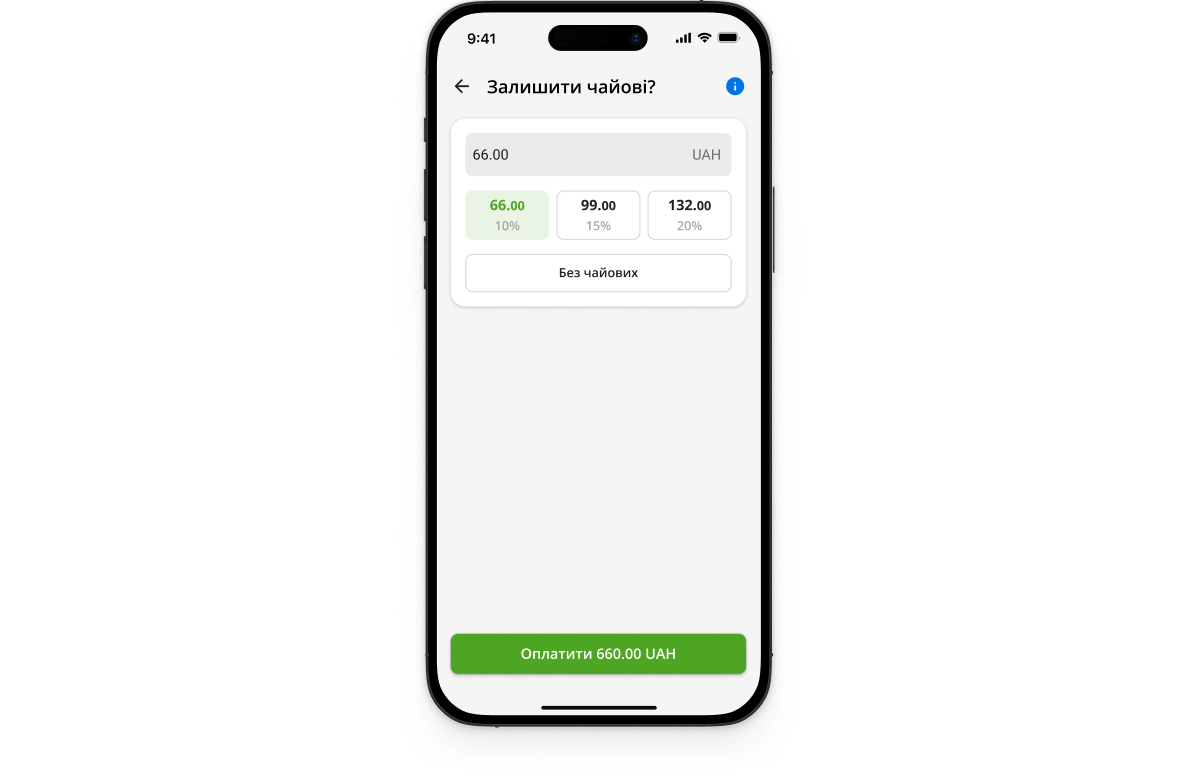
Cashless tips
The amount of tips for waiters increased to 30%.
Bill splitting between guests
If necessary guests can split a bill without a waiter’s assistance.
Waiter call
Guests can call the staff at any moment. The signal is instantly sent to the waiter’s smartphone keeping the service fully under control.
Notifications to staff in Telegram bot
Instant notifications about closure of bills in the hall. Ability to respond to guest feedback before it appears on Google Maps or in social networks.
QR stickers
We will send you table stickers, and you just place them in the establishment and start accepting payments.
QR menu
You can add your own digital menu.
Refund to account of any bank
Money will be refunded the next day in a single amount for all transactions or instantly after each payment (for PrivatBank accounts only).

Rates

Rates Fee
Acquiring 1.3% for any bank cards
Tips 2%

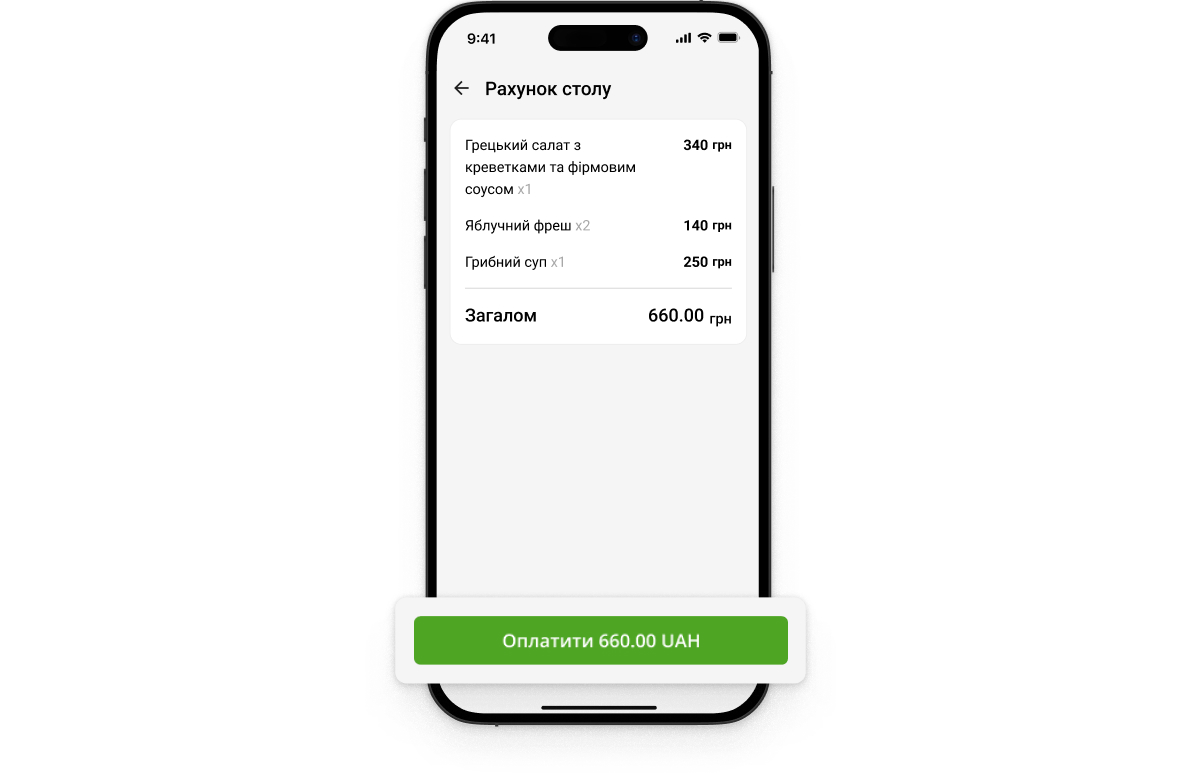
How to pay a bill via QR code

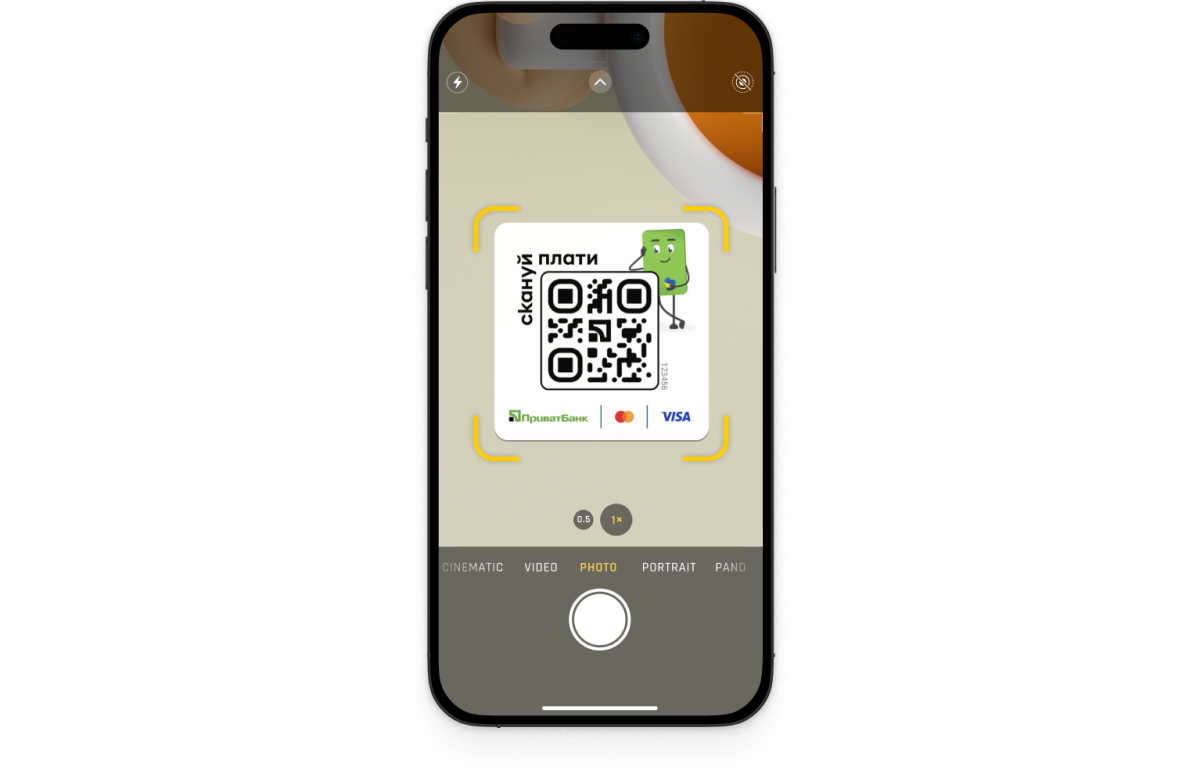
Switch your phone camera on and scan the QR code.

Switch your phone camera on and scan the QR code.

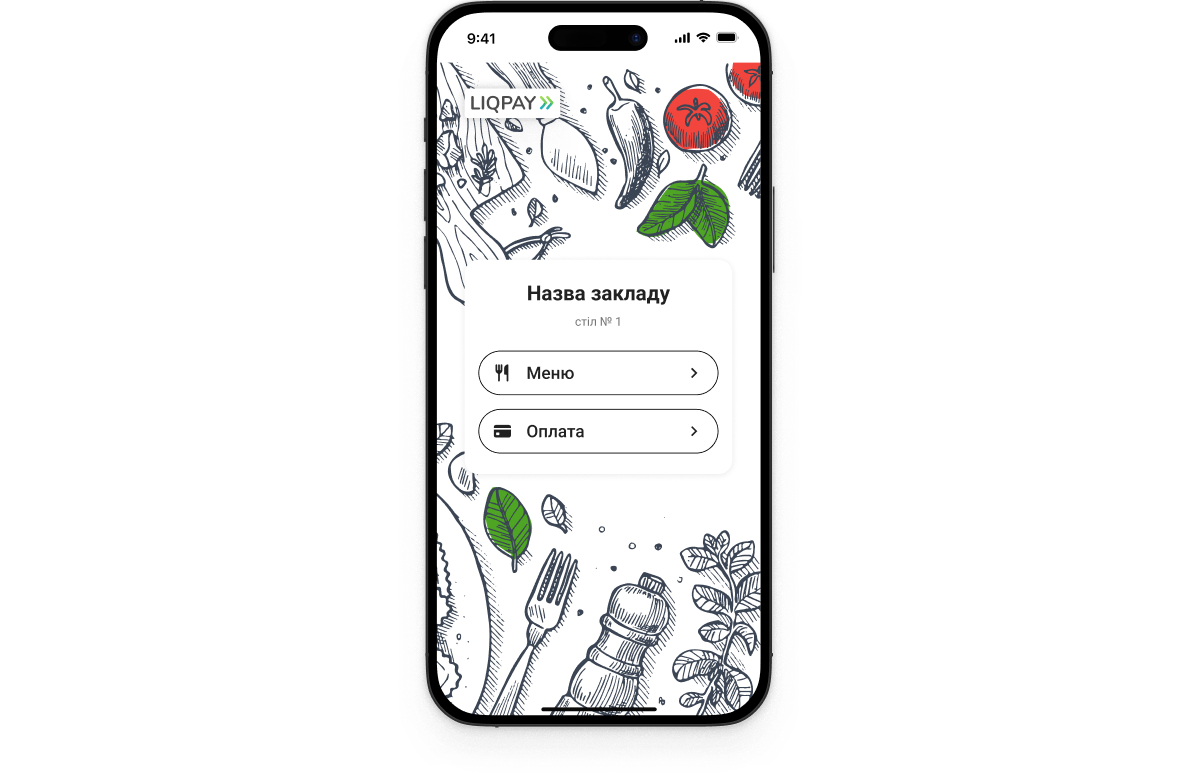
Select the “Payment” option.

Select the “Payment” option.

Make the payment on the checkout screen.

Make the payment on the checkout screen.

Add  tips if you wish.

Add tips if you wish.

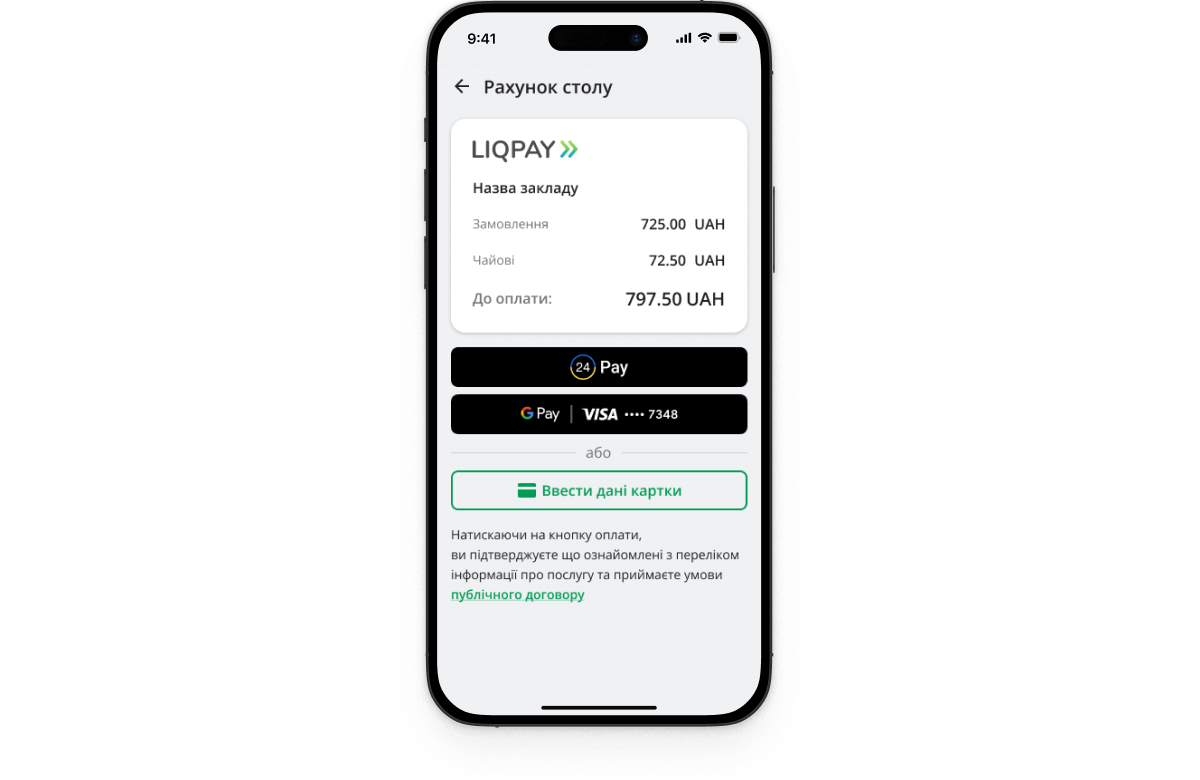
Select the payment method: PrivatPay, Apple Pay/Google Pay, Visa or Mastercard.

Select the payment method: PrivatPay, Apple Pay/Google Pay, Visa or Mastercard.

How to pay a bill via QR code

  1. Switch your phone camera on and scan the QR code.
  2. Select the “Payment” option.
  3. Make the payment on the checkout screen.
  4. Add tips if you wish.
  5. Select the payment method: PrivatPay, Apple Pay/Google Pay, Visa or Mastercard.

Frequently asked questions

Which POS systems support the integration?

Currently , the integration is available only with Servio, Syrve POS systems. The list will be expanded.

How to add a digital menu?

Go to the “Acquiring section – QR code” and fill in the “QR menu” field during the establishment registration.

Where will the waiter’s tips be transferred?

To the waiter’s card of any Ukrainian bank.

How to get the QR code stickers?

You can print the stickers on your own. Download the QR layouts in the “Acquiring – QR code” section.

What is the procedure for money transfers?

Money is transferred after each payment in an online mode or on the next day by one amount for all transactions.

Refunds can be made only to the PrivatBank account?

No, refunds are made to any bank account.

How fast are tips credited?

Instantly, to any bank card.

Is there any extra charge for using the Telegram bot?

No, all additional features are free of charge.